(MacOS Ventura 13.2) Game Crash or Minecraft frozen

LabyModz
2023-03-16 21:50:03Opis
Hello. Today I installed LabyMod 4 by Following the Discord Guide (Ticket 1301)
I removed nero-lumi. After this I uninstalled LabyMod 4.
After opening the game there are 2 different types of bugs.
-
Option 1:
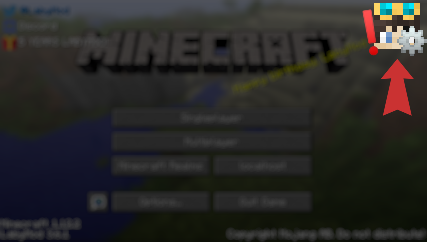
It does not allow me to click on things. (Single Player, Multiplayer, Exit or Options)
Furhtermore I cant minimize, maximize, close the game with the 3 buttons (red, green, yellow) -
Option 2:
Game crash after clicking on something(Single Player, Multiplayer, Exit or Options)
Exit Code: 225
MacBook, LabyMod, Launcher are on the newest version.
If you have any further question and / or have patched the bug please reply to my ticket or send me a discord message.
Kind regards
Operating System: macOS
LabyMod Version: 4.0.0+690 snapshot/af00a6f
Minecraft Version: 1.8.9
Komentari
-

derrop
2023-03-16 21:51:39Hey, can you please upload the latest log from .minecraft/logs on https://paste.labymod.net and send the link in here?
-
-

-
-
LabyModz
2023-03-23 23:20:09For example there is a Badge could not be loaded error when starting Labymod.
In Fullscreen I cant click on anything. For example my Minecraft Server list disappear and I cant switch accounts -

-