1.8.9 can not start

CraftergangDE
2025-01-23 14:05:08Beskrivning
Log: https://paste.labymod.net/onimuvevupahuqocigow.yaml
Operating System: Windows 10
\LabyMod Version: 4.2.51+1569
\Minecraft Version: 1.8.9
\
Kommentarer
-

-
CraftergangDE
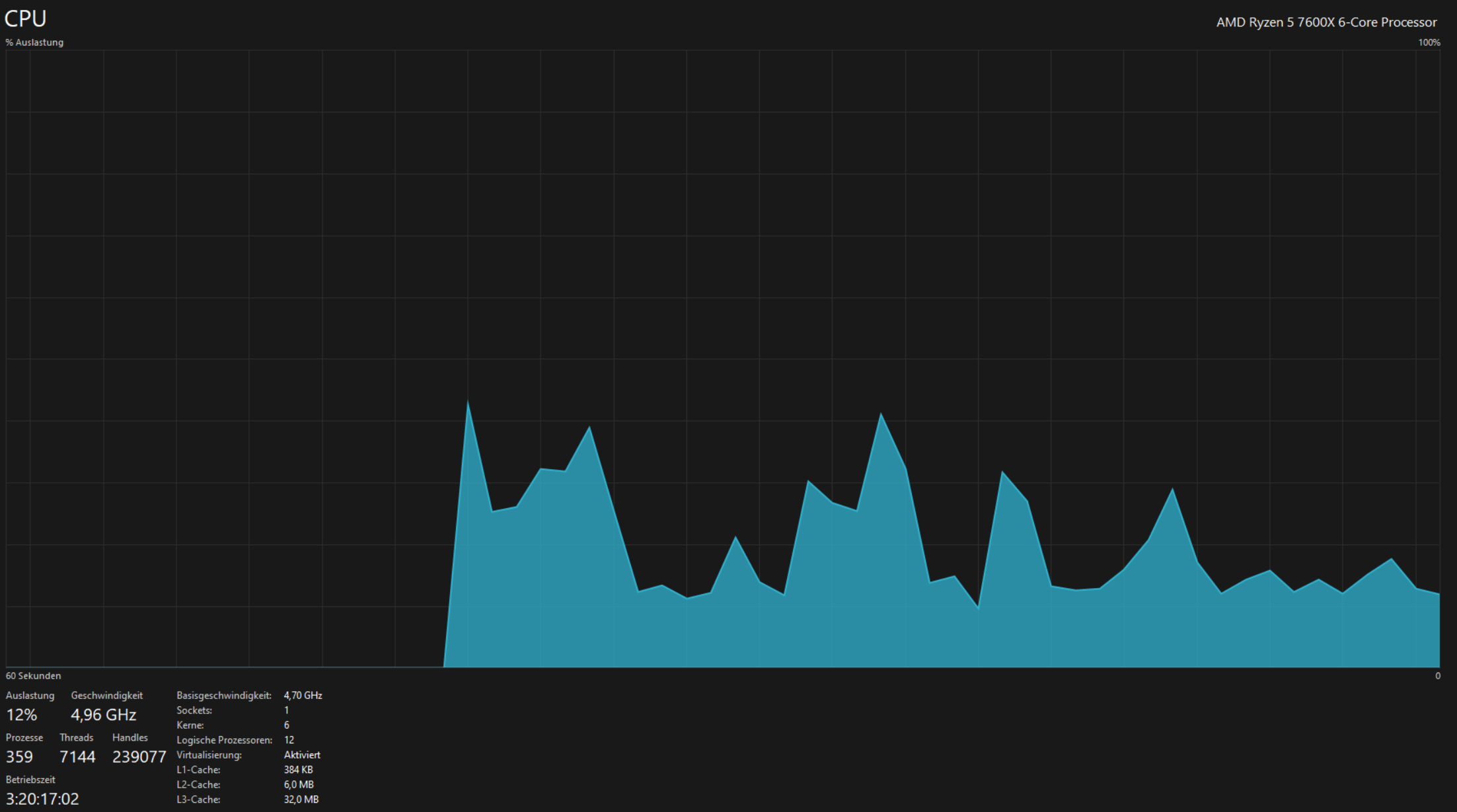
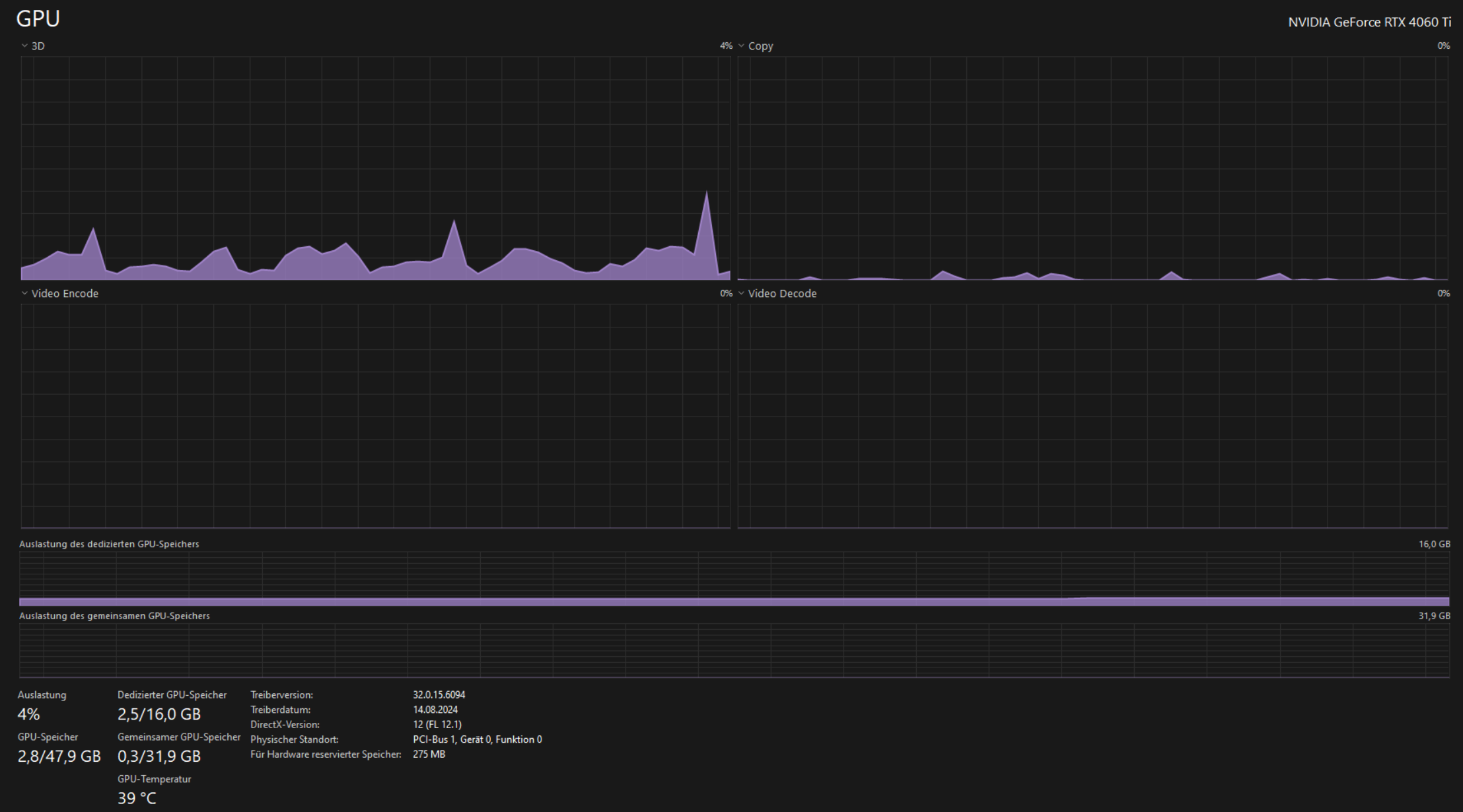
2025-01-23 17:59:45that is not possible, minecraft was already open but in 1.21.3 and then a second one in 1.8.9 I wanted to start and that did not work. I only had discord and google chrome open, no other programs, my ram usage was around 30-40%
-
DoJapHD
2025-01-23 18:40:51The log says otherwise.
There is insufficient memory for the Java Runtime Environment to continue.
Native memory allocation (mmap) failed to map 33554432 bytes. Error detail: G1 virtual space
Possible reasons:
The system is out of physical RAM or swap space
This process is running with CompressedOops enabled, and the Java Heap may be blocking the growth of the native heap
Possible solutions:
Reduce memory load on the system
Increase physical memory or swap space
Check if swap backing store is full
Decrease Java heap size (-Xmx/-Xms)
Decrease number of Java threads
Decrease Java thread stack sizes (-Xss)
Set larger code cache with -XX:ReservedCodeCacheSize=
JVM is running with Zero Based Compressed Oops mode in which the Java heap is placed in the first 32GB address space. The Java Heap base address is the maximum limit for the native heap growth. Please use -XX:HeapBaseMinAddress to set the Java Heap base and to place the Java Heap above 32GB virtual address.
This output file may be truncated or incomplete.
Out of Memory Error (os_windows.cpp:3603), pid=35360, tid=70420 -
-

NULLYUKI
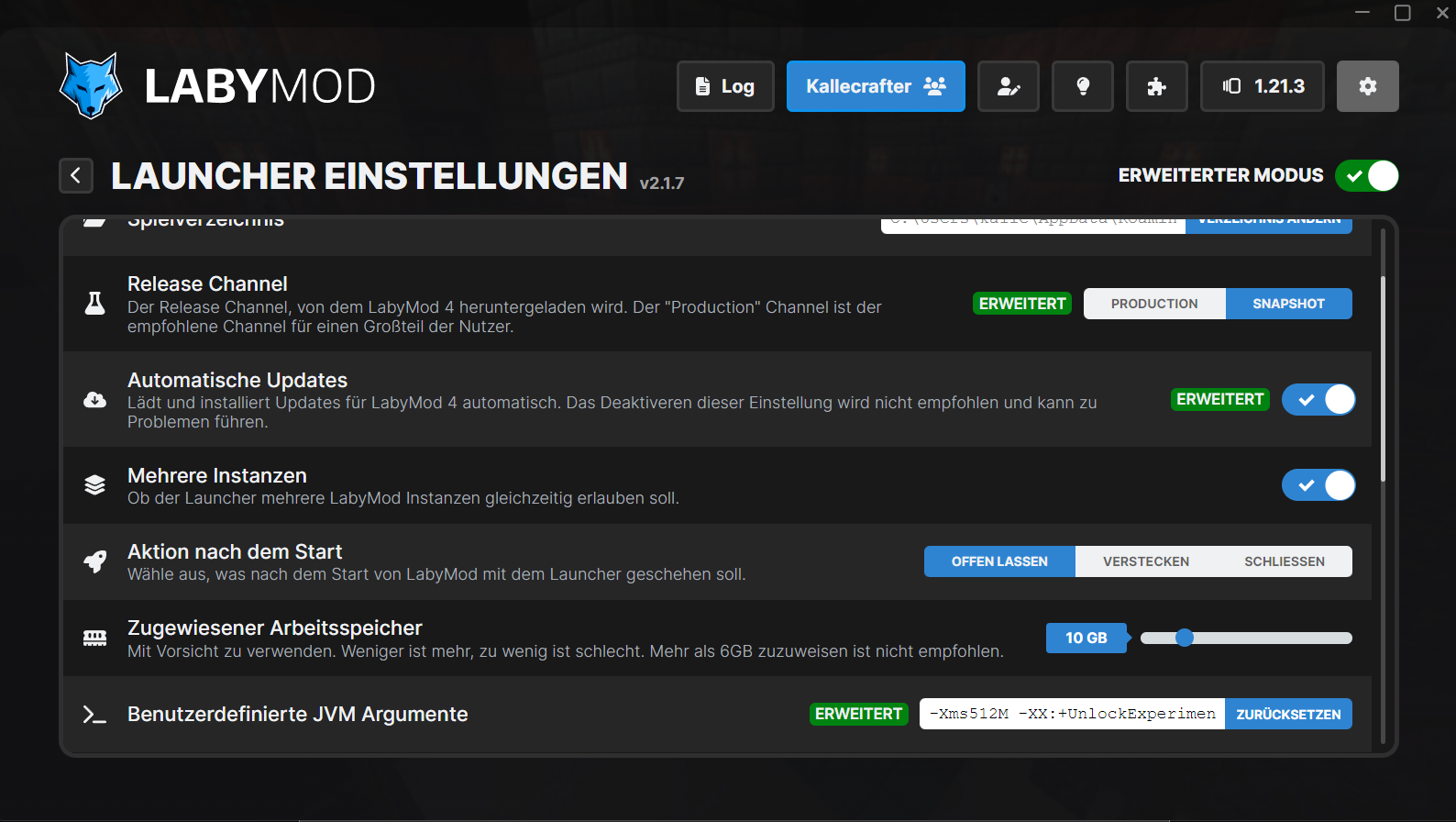
2025-01-24 12:31:58Send a screenshot of your LabyMod Launcher settings, so we can see how much RAM you are trying to allocate, maybe you are trying to allocate more RAM than possible as you are allocating RAM with two clients means the setting will most likely allocated twice the RAM.
-